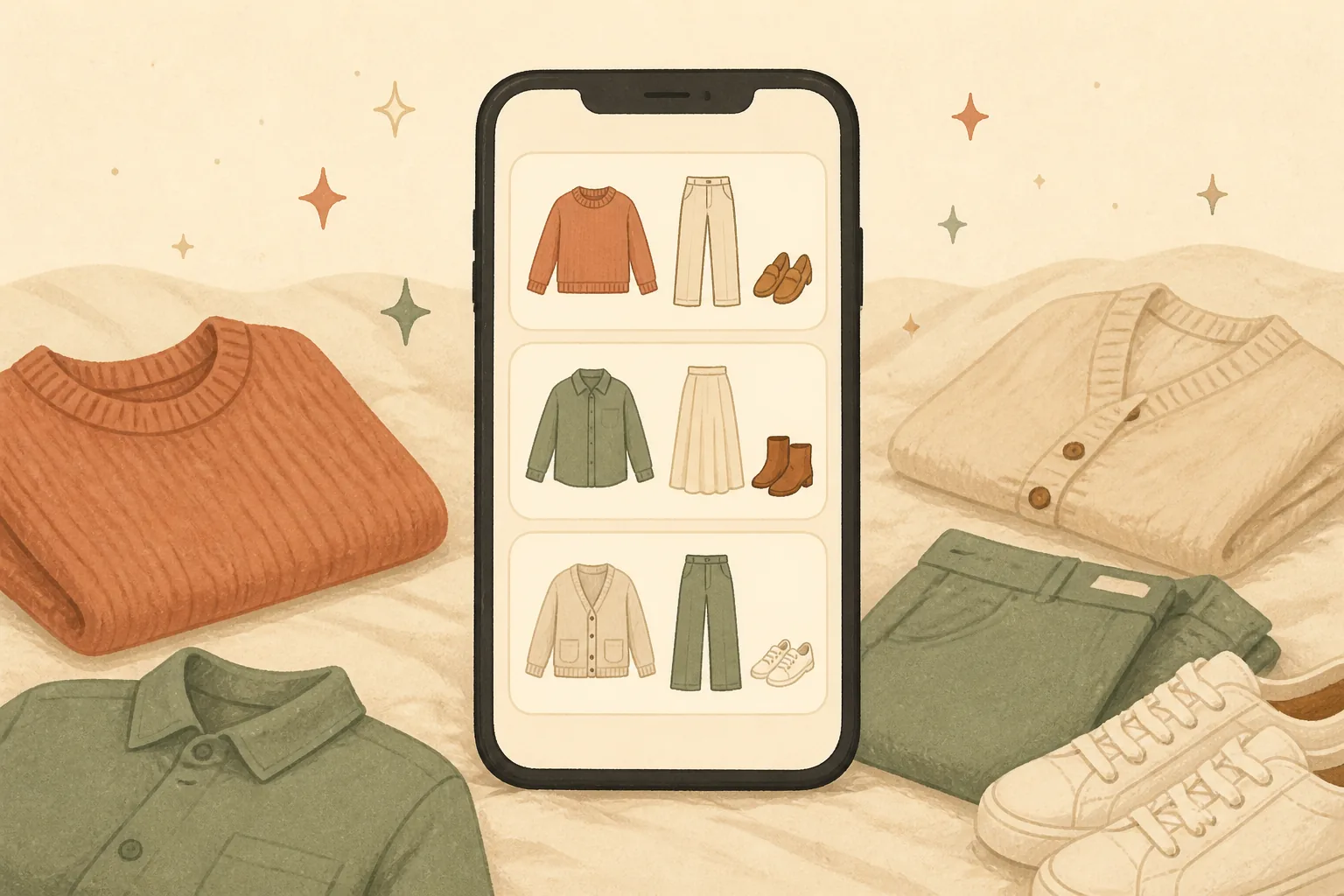
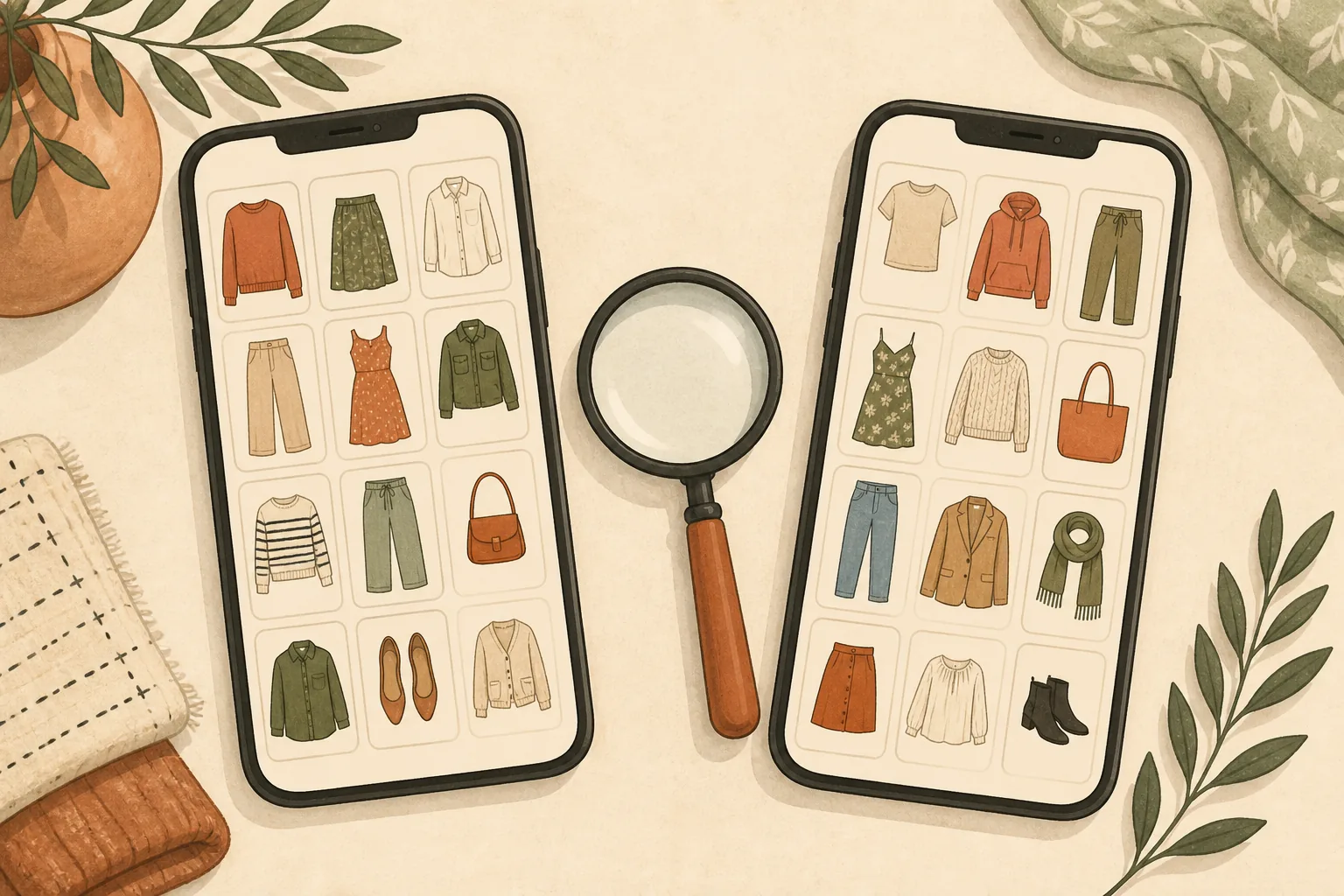
Most people don't start with a wardrobe app. They start with what's already on their phone (a notes app, the camera roll, a Pinterest board) and try to make it work. It almost does. Until you actually want to plan what to wear on Thursday.
Here's an honest look at how Closet DJ compares to the alternatives people actually try.
What a real wardrobe app should do
Before any comparison, the bar:
- Catalogue every piece you own: searchable by type, colour, season, and storage location.
- Generate outfits from your real clothes, not stock images or someone else's.
- Respect what's clean: steer suggestions away from items in the wash.
- Plan ahead: outfits on a calendar, packing for trips.
- Get out of your way: fast import, minimal tagging.
Anything that fails 1–3 isn't really a wardrobe app.
Closet DJ vs Notes apps
The pitch: "I'll just list my clothes in a note."
Where it breaks:
- No images: you forget what you actually own within a week.
- No outfit logic: a list of items isn't an outfit.
- No reminders, no laundry tracking, no calendar.
Closet DJ instead: AI Photo Import turns a snap into a tagged item in seconds. Outfits are generated, not typed.
Closet DJ vs Camera roll / Photos
The pitch: "I already photograph my clothes. I'll just use Photos."
Where it breaks:
- A graveyard of unsorted screenshots and try-on shots.
- No tagging that survives: Apple/Google's auto-tags don't know what a "linen overshirt" is.
- No way to combine items into outfits.
Closet DJ instead: Every item lives in a structured closet with type, colour, fit, season, location, and laundry status. The same photos, but actually usable.
Closet DJ vs Pinterest boards
The pitch: "I already pin outfit inspiration."
Where it breaks:
- Outfits you can't recreate: they're other people's clothes.
- No link to what's in your wardrobe right now.
- Zero planning tools, no weather, no packing.
Closet DJ instead: The Style Assistant pulls from your actual closet, turning outfit inspiration into looks you can wear tonight.
Closet DJ vs other dedicated wardrobe apps
There are real wardrobe apps too: Whering, Acloset, Indyx, Stylebook. Each does parts of this well. We've written a full hands-on comparison in The Best AI Outfit Generator Apps in 2026, so we won't repeat it here.
The short version:
- Whering: strong community, slower import, lighter planning tools.
- Acloset: good AI outfits, weaker laundry/trip flows.
- Indyx: beautiful, resale-focused; less about daily planning.
- Stylebook: powerful but manual; steep setup.
- Closet DJ: AI Photo Import + Style Assistant + weekly planner + laundry + trip packing in one app, mobile-first, free to start.
Already using one of them? You don't have to start again. Closet DJ brings your closet over from any of them: Whering and Indyx with your username, Acloset with its share link, and the rest with their export file. See how switching works.
The verdict
If your "wardrobe app" is a notes file, a folder of photos, or a Pinterest board, you don't have a wardrobe app. You have a backlog.
Closet DJ is built so the boring parts (cataloguing, tagging, knowing what's clean) take minutes, and the fun parts (outfit ideas, planning the week, packing for a trip) actually happen.
Put this guide to work
Now try it on your own closet.
Closet DJ is free to start. Add your clothes and the Style Assistant answers with pieces you actually own.
Ask the Style Assistant
Ask the Style Assistant in the Closet DJ app:What can you do with my closet?
Get new posts in your inbox
One email per new post, written by the Closet DJ team. No spam, unsubscribe anytime.