How to Digitize Your Wardrobe in 10 Minutes (Without Manual Data Entry)
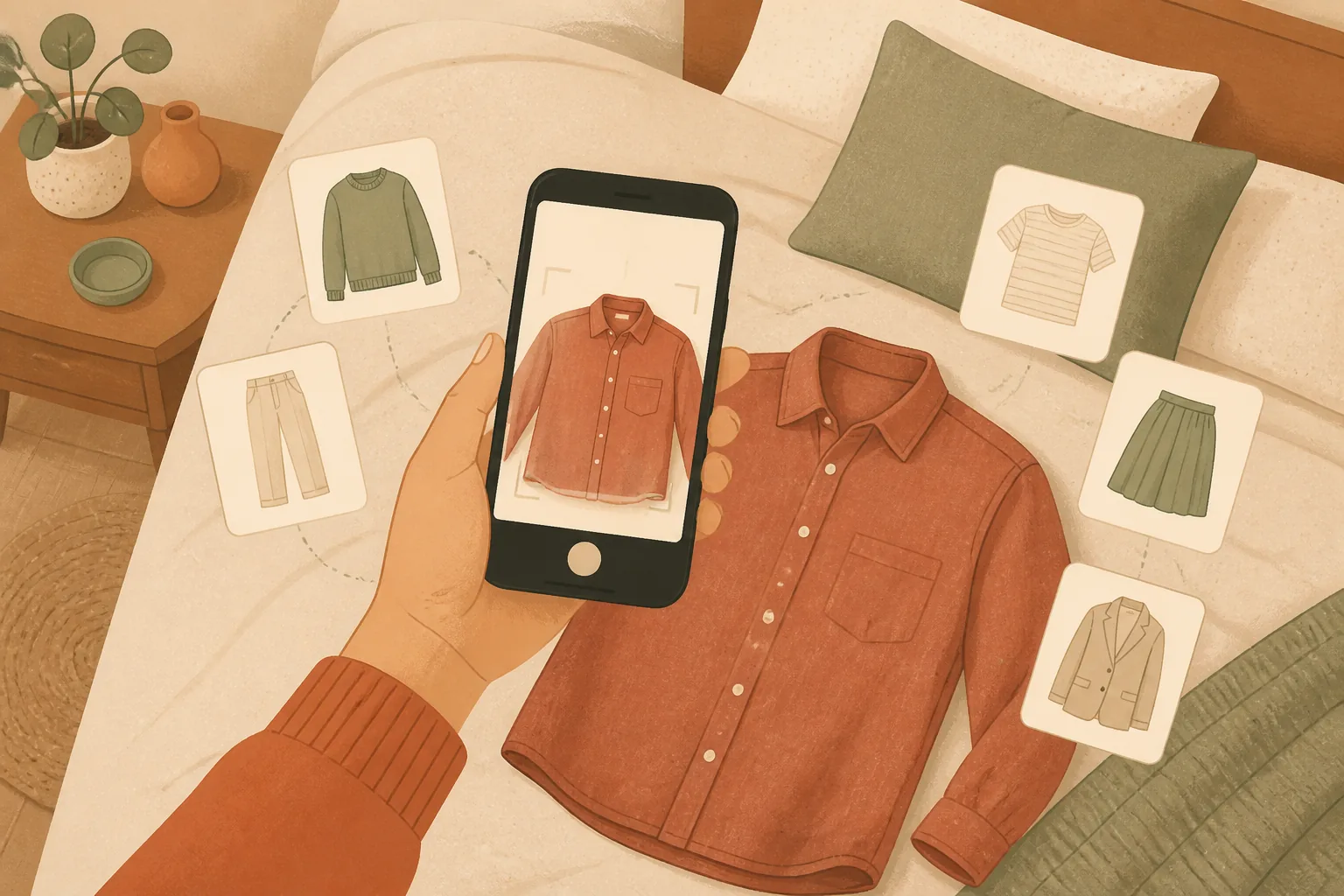
The reason most people give up on wardrobe apps isn't the app; it's the setup. Typing in 80 garments, one at a time, with brand, colour, size, and a photo? That's not an app, that's a second job.
So we built Closet DJ to skip that part entirely. Below is the exact 10-minute path from "I just installed this" to "my entire closet is in here."
The 10-minute plan
| Minutes | What you do | What the app does |
|---|---|---|
| 0–2 | Pick your 5 most-worn pieces and snap a photo of each | AI detects type, colour, brand, material; auto-crops the image |
| 2–4 | Open your last shopping order email/screenshot from SHEIN, ASOS, Zara or Temu | AI extracts every item from the order in one go |
| 4–7 | Open one more shopping order from any other store | "Other store" mode handles any retailer, same one-shot import |
| 7–9 | Bulk-select your imports and tap Enhance | AI cleans up every photo into a consistent catalogue style |
| 9–10 | Tag your most-worn items with their storage location | Closet split-view by location is now ready to use |
That's it. You now have a real, browsable digital closet, without typing more than a few characters.
Why this works (and why other apps don't)
Most wardrobe apps assume you'll lovingly photograph each garment on a white wall in good light. That's a fantasy. In real life, your clothes are in drawers, on hangers, on the chair, in the wash, in a suitcase.
Closet DJ's two AI imports work with the messy reality:
1. AI Photo Import: for clothes you already own
Snap a photo wherever the garment is. Folded on a bed, hanging in a wardrobe, balled up on a chair. Our AI:
- Detects the garment in the frame and crops to it
- Removes the background
- Identifies type (t-shirt, blazer, etc.), dominant colour, likely material
- Often guesses the brand from visible logos or labels
- Generates a clean catalogue-style image you can use across the app
Total time per garment: about 8 seconds, most of which is you tapping the shutter.
2. Order Screenshot Import: for clothes you've just bought
This one is genuinely magic. Snap a screenshot of any shopping order (your SHEIN basket, your ASOS confirmation email, your Zara app order history) and Closet DJ extracts every line item in one go. Name, brand, colour, image, all parsed automatically.
We've built dedicated parsers for SHEIN, ASOS, Temu and Zara, plus an "Other store" mode that handles anything else.
This single feature is the difference between "I'll add this stuff later" (you won't) and "the items are in my closet before the package arrives."
A realistic first-day plan
If you've got an hour rather than 10 minutes, here's the order we'd recommend:
- Most-worn first. Don't try to import everything. Import the 20–30 pieces you actually wear.
- Then your last 3 shopping orders. Use Order Screenshot Import for each one.
- Then build 5 outfits from what you've added. Five is enough for the AI to start surfacing good combinations.
- Set your laundry preferences. Decide whether you want colour-coded laundry baskets enabled.
- Save your location so Outfit of the Day gets your weather right.
By tomorrow morning you'll wake up to a personalised outfit recommendation that already knows what's clean, what fits the weather, and what you actually like wearing.
The stuff nobody tells you
A few hard-won tips from watching real users get set up:
- Don't worry about perfect photos. Just get the items in. Once they're imported, bulk-select them and tap Enhance; the AI will clean every image up at once.
- Skip the "complete every field" instinct. Closet DJ works fine with partial data. Brand, size and material are nice-to-have, not required.
- Use storage locations from day one if you have more than one wardrobe, a suitcase you live out of, or items at a partner's place. The split-view is much more useful than it sounds.
- Forget about "should I add this old t-shirt?" If you'd wear it, add it. If you wouldn't, that's a sign for a different kind of decluttering.
Try it
Get started for free: the free plan has plenty of room to test whether AI Photo Import and Order Screenshot Import are as fast as we say. The pricing page shows its current limits.
The first time you import a SHEIN order in 8 seconds, you'll understand why we built this thing.
Ready to remix your closet?
Try Closet DJ free. Organise your wardrobe and let AI build outfits from what you already own.
Recibe los nuevos artículos en tu correo
Un correo por cada artículo nuevo, escrito por el equipo de Closet DJ. Sin spam, cancela cuando quieras.